Unit 0 - Starting Python
0.0 - Table of Contents
- 0.1 - What Is Python? What Is Programming?
- 0.2 - Is Python Useful?
- 0.3 - What Can Be Learned Here?
- 0.4 - Class Format
- 0.5 - Finish Python Setup
- 0.6 - A Note On Organization
- 0.7 - Hello, world
- 0.8 - Ways to Run Code
- 0.9 - Homework
0.1 - What Is Python? What Is Programming?
-
Programming is a way to instruct the computer to perform certain tasks.
-
Python is a powerful interpreted language used to communicate with computers.
-
Python is both simple to read and write compared to many other languages, and can express the same idea with fewer lines of code.
-
Python comes with many libraries.
0.2 - Is Python Useful?
- Web Development
- Machine Learning
- Data Analysis
- Web Scraping
- Computer Vision
- Game Development
0.3 - What Can Be Learned Here?
- Basic Knowledge
- The useful data types
- Conditions
- Loops
- Functions & classes
- Files
- exceptions
0.4 - Class Format
- Fun learning experience
- Cameras
- Break
- Parents
- Safe Space
- Questions:
- Chat/Private Chat
- Raise Hand Function
- Me: ethanhu8351@gmail.com
- Q&A Session
0.5 - Finish Python Setup
- Take a break if you are done
- If not, please do it now and feel free to ask any questions


0.6 - A Note On Organization
-
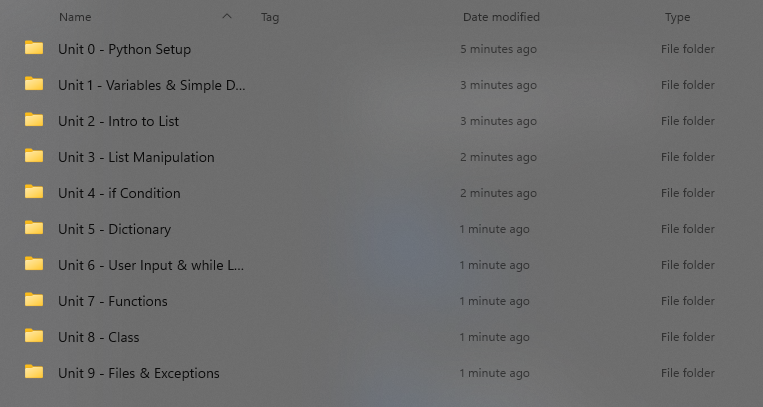
A method of organizing your code is very important
-
Recommend organizing by units. (This is how the course itself is structured)
0.7 - Hello, world
-
The first line of code in a new language:
Hello, world!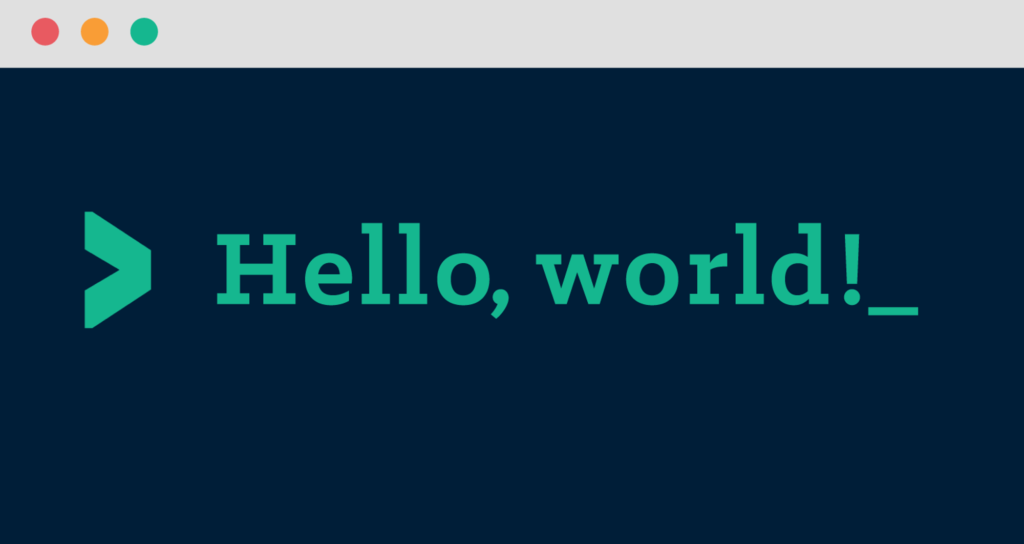
0.7.1 - Code
hello_world.py
print(“Hello, world!”)
0.8 - Ways to Run Code
-
There are two options to run a python code
- Preferred Way in Sublime Text:
Ctrl/Cmd + B, orTools > Build - Alternative Way:
python hello_world.py
- Preferred Way in Sublime Text:
0.9 - Homework
None