Unit 1 - Variables and Simple Data Types
1.0 - Table Of Contents
1.1 - What Happened?
-
.pyindicates apythonfile -
python interpreter is used to running the code
-
reads and parses the meaning
- e.g.
printoutputs to the screen
- e.g.
-
syntax highlighting

1.2 - Variables
-
Variables are like containers that can store information
-
add a variable
messagetohello_world.py -
Edit the message and print it again
1.2.1 - Naming and Usage
-
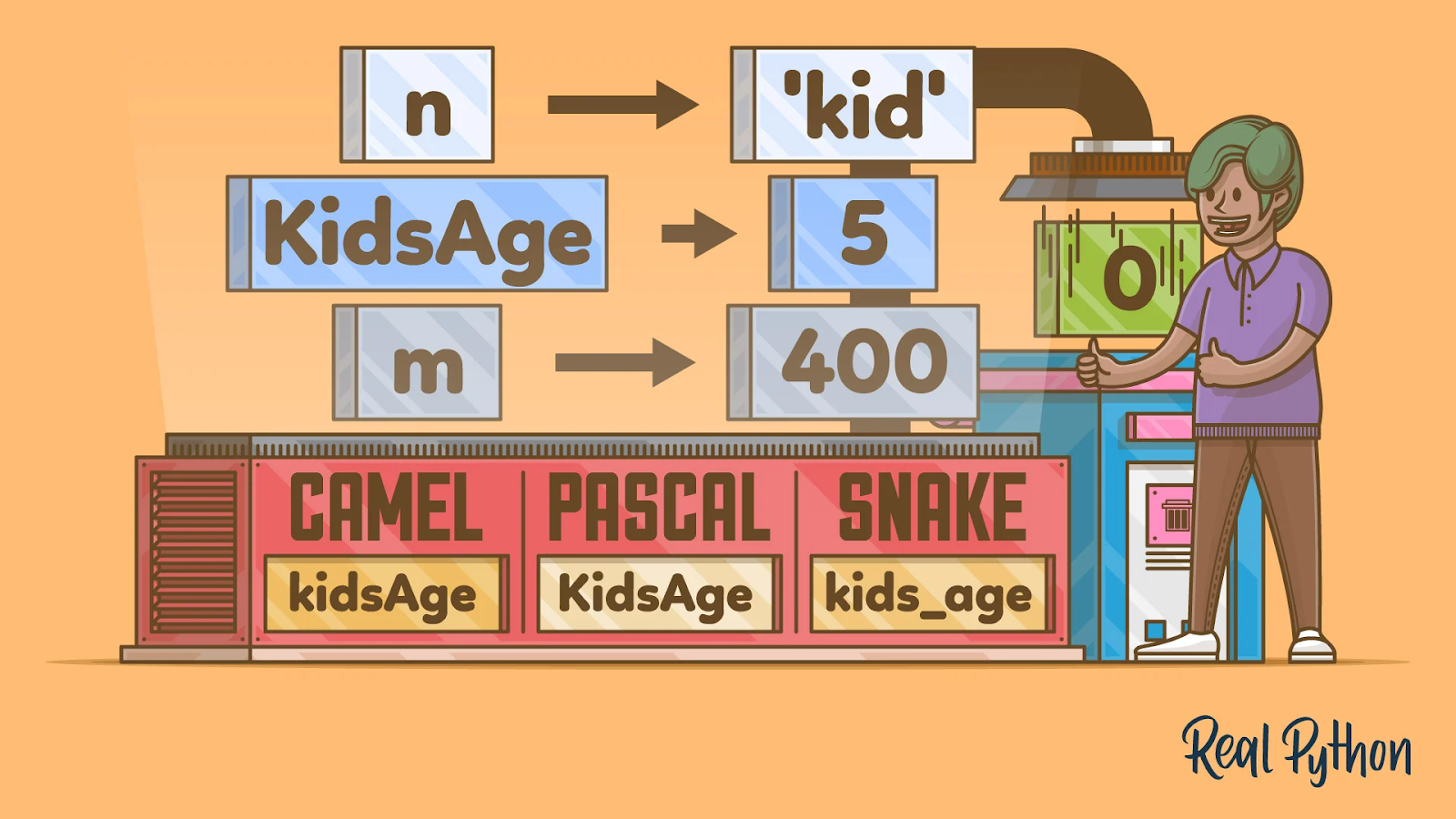
only letters (A-Z, a-z), numbers (0-9), underscore (_), but cannot start with numbers (0-9)
✔️:
message_1❌:
1_message -
no spaces ( ), but you can separate words with an underscore (_)
✔️:
greeting_message❌:
greeting message -
don’t use keywords reserved by the language.
✔️:
print_msg❌:
print
1.2.2 - Common Naming Error
- a common mistake is misspelling a name:
error.py - traceback is an error message
- reason
- location
- possible issue
1.2.3 - Sample Code
hello_world.py
#Step 1:
message = "Hello, world!"
print(message)

#Step 2:
message = "Hello Python world!"
print(message)
error.py
message = "Hello!"
print(mesage)
Traceback (most recent call last):
  File "D:\Introduction to Python Programming\Unit 1\error.py", line 2, in <module>
    print(mesage)
NameError: name 'mesage' is not defined. Did you mean: 'message'?
1.3 - Strings
- Everything inside of either
""or''"Hello"'World!'
- Why do we need both?
'I told my friend, "Python is the best language!"'"My brother's homework is much harder than mine."
1.3.1 - Change to UPPER or lowercase
-
.title()capitalizes the first letter of all words -
.upper()uppercase every letter -
.lower()lowercase every letter
Example: cases.py
1.3.2 - String Concatenation
- to concatenate is to combine two strings
- you can use
+to combine two strings
Example: concatenate.py
1.3.3 - Escape Character
- a special character that formats the string
- in python this character is
\ - most commonly used:
\n: new line\t: whitespace (tab)\: converts the special character after to an ordinary character\\\"\'
Example: escape_char.py
1.3.4 - Remove Extra Spaces
"python"vs"python "- this is important when comparing strings
"python"is not the same as"python ".rstrip()removes spaces at the end.lstrip()removes spaces at the beginning.strip()removes spaces at both the beginning and the end
Example: remove_space.py
1.3.5 - Common Syntax Error
- you cannot use
'in string surround with''and"between"" - Two possible solutions:
' \' '&"\" "" ' "or' " '
1.3.6 - Sample Code
cases.py
name = "john appleseed"
print(name.title())

name = "John Appleseed"
print(name.upper())
print(name.lower())
Output:
John Appleseed
JOHN APPLESEED
john appleseed
concatenate.py
first_name = "john"
last_name = "appleseed"
full_name = first_name + " " + last_name
print(full_name)
print("Hello, " + full_name.title() + "!")
Output:
john appleseed
Hello, John Appleseed!
escape_char.py
print("\tPython")
print()
print("Python\nC\nJava")
print()
print("Languages:\n\tPython\n\tC\n\tJava")
Output:
  Python

Python
C
Java

Languages:
  Python
  C
  Java
remove_space.py
best_language = " Python "
print("'" + best_language.rstrip() + "'")
print("'" + best_language.lstrip() + "'")
print("'" + best_language.strip() + "'")
Output:
' Python'
'Python '
'Python'
1.4 - Numbers
- There are two major types of numbers
int, or integers. e.g.1, 2, 3, 4float, or decimals. e.g.1.1, 2.2, 3.3, 4.4
1.4.1 - Integers
- Can use plus (
+), minus (-), multiply (*), divide (/) to do mathematical operations //is used for interger division**is used to indicate a squre,a**bis the same as $a^b$- parenthesis can control the order of operation
Example: integer.py
1.4.2 - Floats
- The same rules for
intapply tofloatas well. - Due to the nature of the computer, addition might not be 100% accurate
- 0.2 + 0.1 = 0.30000000000000004
Example: float.py
1.4.3 - Avoid Syntax Error With str()
- Only elements of the same data type can be added together. e.g.
strwithstr, numbers with numbers - when you try to add a
strto aintorfloat, anTypeErroroccurs- Example:
type_error.py
- Example:
- This can be fixed with
str()method to convert variables of other data type tostring- Example:
type_error_fixed.py
- Example:
1.4.4 - Sample Code
integer.py
print(2 + 3)
print(2 - 3)
print(2 * 3)
print(2 / 3)
print(2 // 3)
print(2 ** 3)
print((2 - 3) * 3)
Output:
5
-1
6
0.666
0
8
-3
float.py
print(0.1 + 0.1)
print(2 * 0.1)
print(0.2 + 0.1)
print(3 * 0.1)
Output:
0.2
0.2
0.30000000000000004
0.30000000000000004
type_error.py
age = 23
message = "Happy" + age + "rd birthday!"
print(message)
Output:
Traceback (most recent call last):
  File "tpye_error.py", line 1, in <module>
TypeError: can only concatenate str (not "int") to str
type_error_fixed.py
age = 23
message = "Happy" + str(age) + "rd birthday!"
print(message)
Output:
Happy 23rd birthday!
1.5 - Comments
1.5.1 - How to Comment
- use `# for a inline comment
- use
'''or"""for multi-line comment Example:comment.py
1.5.2 - Why Comment
- purpose of code
- how the code functions
- inputs and outputs
- etc.
1.4.3 - Sample Code
comment.py
#single line comment
print("Hello") #prints a greeting message

'''
multi-line comment
'''

"""
double quotation mark also works
"""
Output:
Hello
1.7 - Homework
- check out Zen of Python by Tim Peters
- to do so, go to command line
- type
pythonand pressreturn - type
import thisand then pressreturnagain. - read through the lines
- think about why these are important